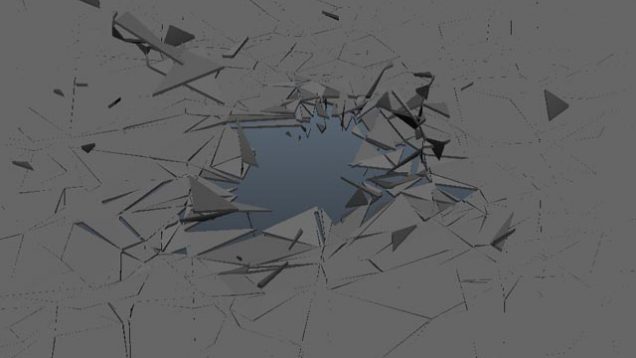
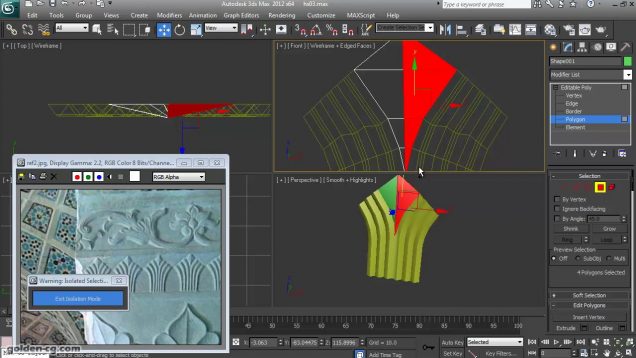
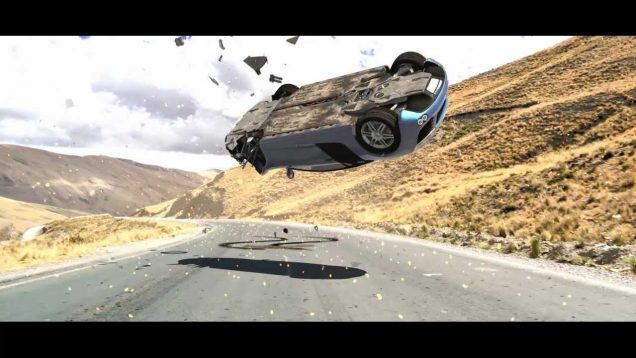
If you find my videos and giveaways helpful please consider supporting me at http://www.patreon.com/Arrimus3D. If you need a question answered send me an email at 3dtut@outlook.com. Also, giving me a thumbs up and subscribing shows you find my videos helpful. Thanks. In this video I will show you how to create some basic cloth simulation […]
This new video demonstrates capabilities and general workflow of the Flatiron plug-in. Flatiron is a four steps Render To Texture plug-in which is capable of baking full scenes or selections of objects into a single UV Map. Advanced automatic unwrapping, which is built into the plug-in, is based on our Unwrella high quality automated unwrapping […]
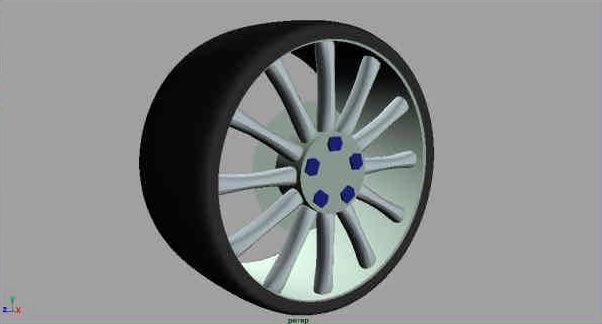
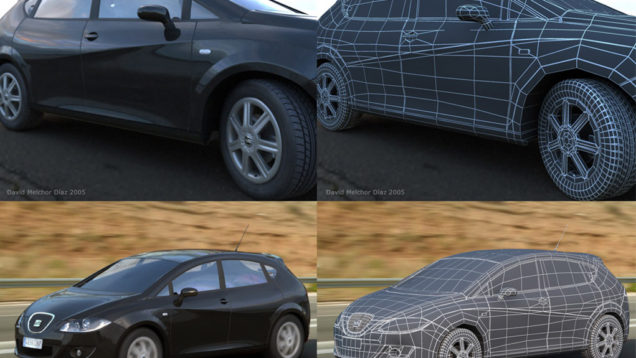
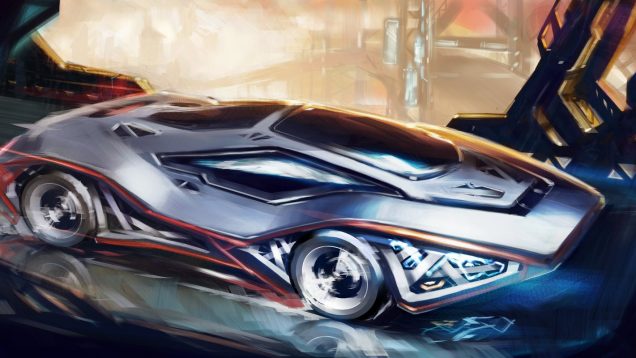
Hi everyone and welcome to part 2 of how to model a Ford Focus. We will be starting out simple by creating wheels for the car. Well actually we will be creating two different designs. This just to show you how easy it is to do and how you can make any design you want […]
Now we’re back! This tutorial section will cover the post – production work in Photoshop, and how to make your logos look really cool. This part of the tutorial should also be easy, and you can still email me about any tips, questions, or comments to your liking about this. Thanks! Now let’s get started! […]
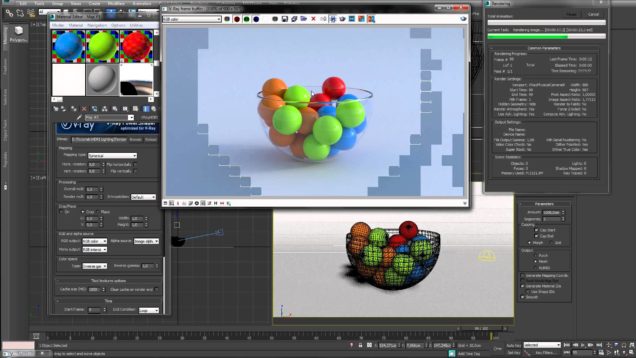
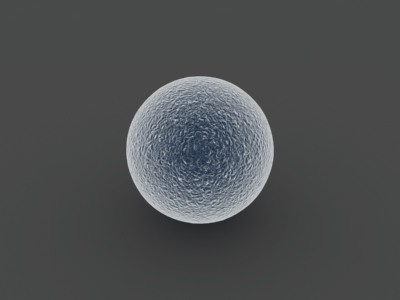
QuickMax is a new series of simple 3dsmax tutorials that I created, which will feature all aspects of the program itself, including modeling, texturing, lighting, and animation. Welcome to section one, this will feature the 3dsmax Material Library. Section 1: Materials Standard Materials 2: How to make a realistic electron microscope material (To complete this […]
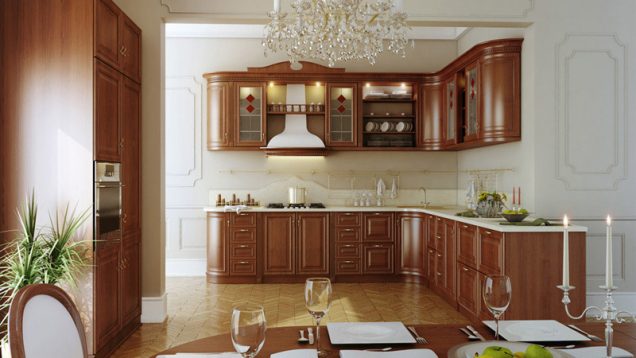
This is a quick tutorial that explains all the process to make this composition. We´re going to see how to make the model, materials, lighting, render parameters and finishig the image with photoshop.
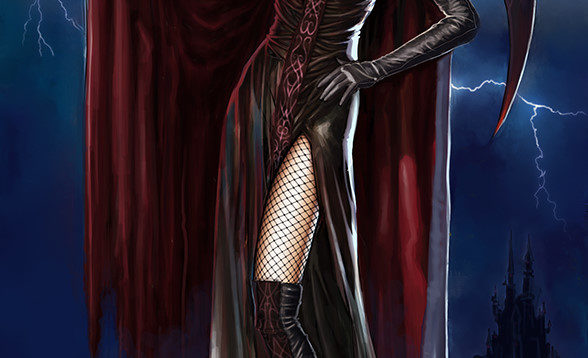
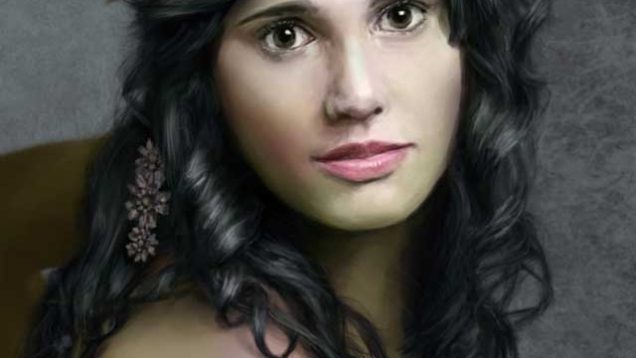
Hi! I will explain how I made the Witch Empress illustration. I’m not a professional illustrator, so follow the guide at your own risk :) I will try to explain the techniques I used from the beginning to the end. The only software used was Adobe Photoshop with the default brushes. This is the first […]
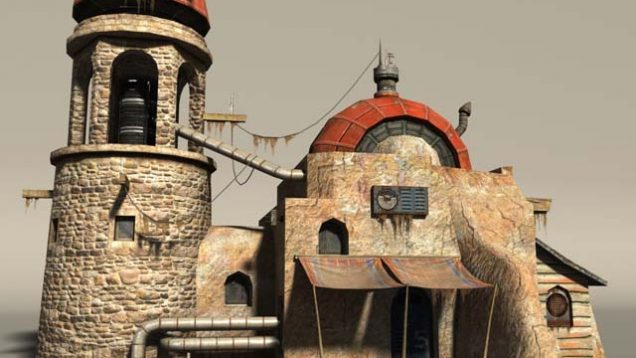
This tutorial is targeted at medium level users and will present the process of texturing a photorealistic building that has already been modeled. I will focus on the texturing process in particular, even though the modeling and UVs are also important for the final look of the building.
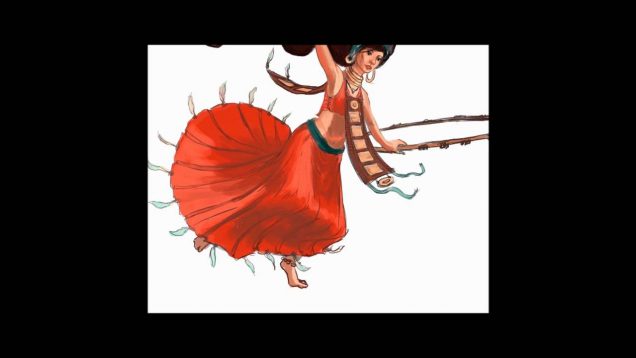
Sketching a character – Gypsy Dancer. Part 2 of 2. With commentary but you probably best just turn down the volume and put on some tunes. Actual Time: 2 Hours