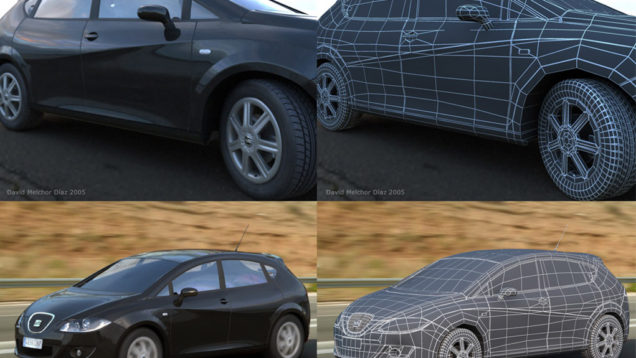
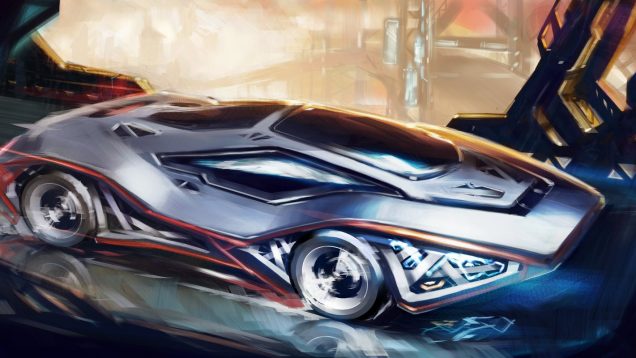
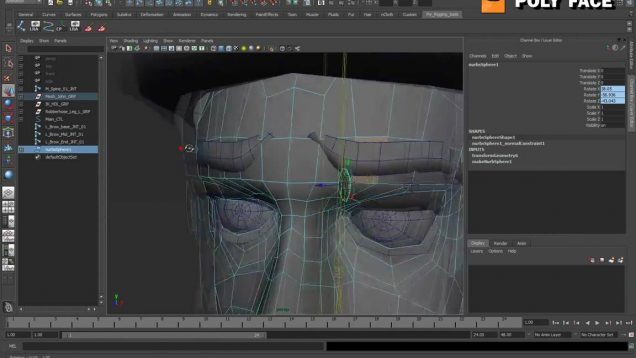
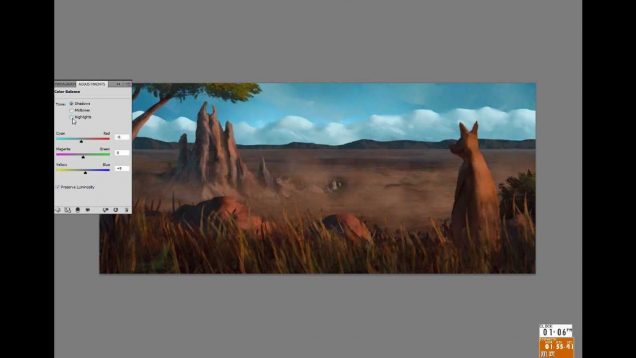
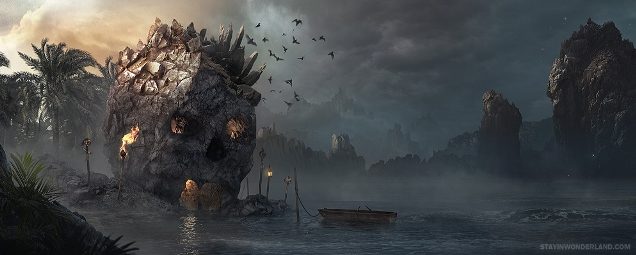
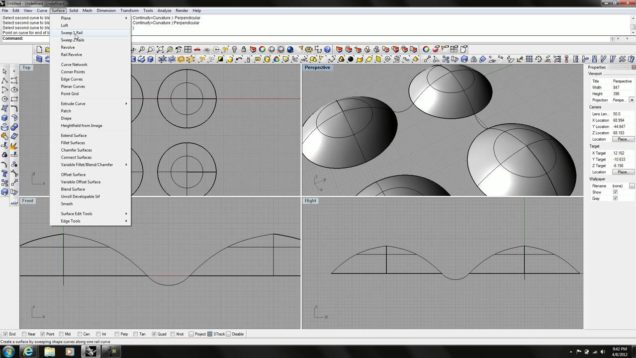
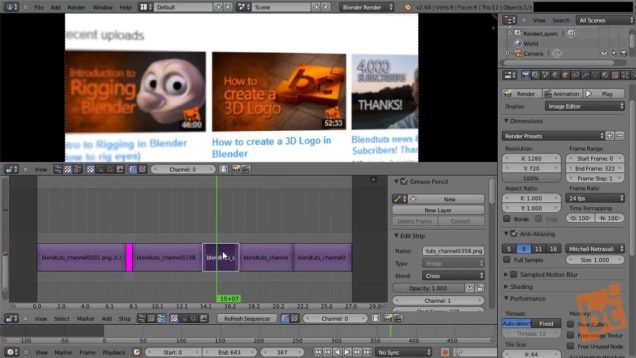
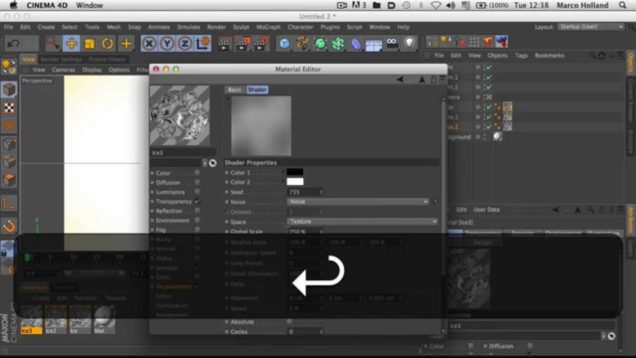
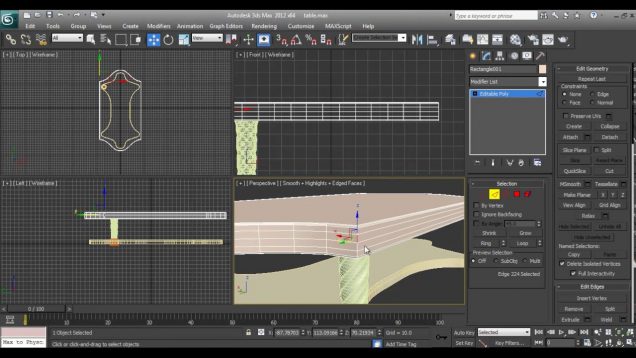
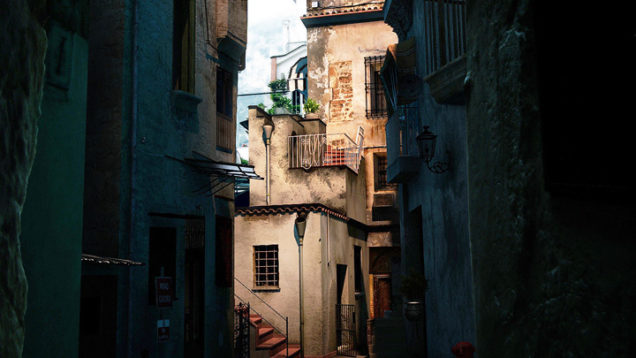
This is a quick tutorial that explains all the process to make this composition. We´re going to see how to make the model, materials, lighting, render parameters and finishig the image with photoshop.
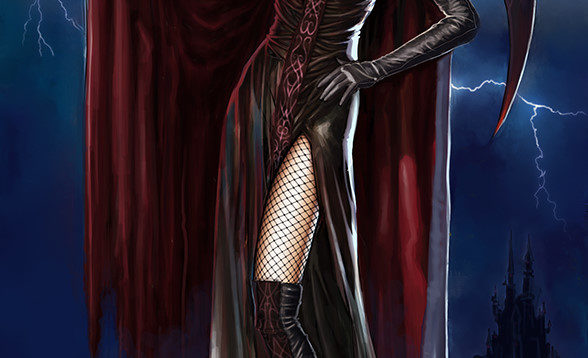
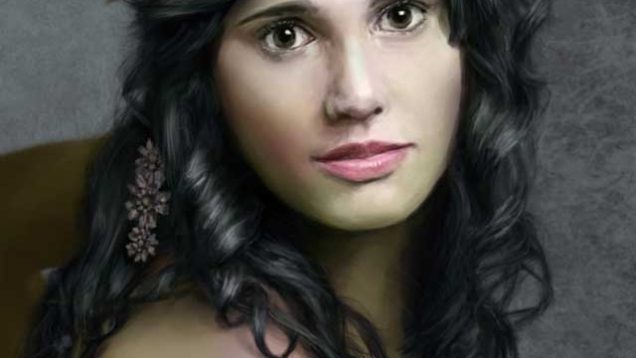
Hi! I will explain how I made the Witch Empress illustration. I’m not a professional illustrator, so follow the guide at your own risk :) I will try to explain the techniques I used from the beginning to the end. The only software used was Adobe Photoshop with the default brushes. This is the first […]
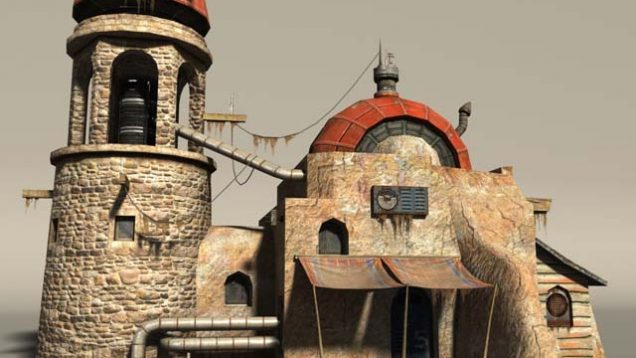
This tutorial is targeted at medium level users and will present the process of texturing a photorealistic building that has already been modeled. I will focus on the texturing process in particular, even though the modeling and UVs are also important for the final look of the building.
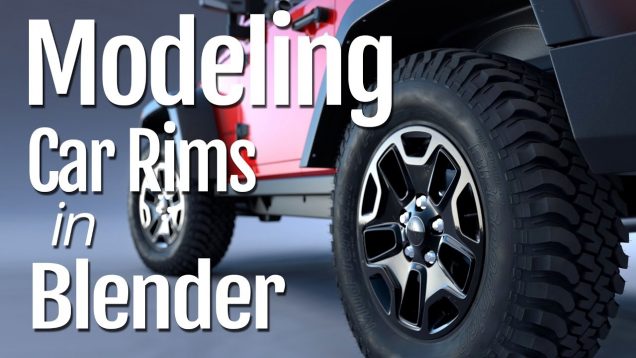
Download the start file here: http://www.cgmasters.net/tutorials/jeep/jeep_rim_start.blend See more about “Complete Vehicle Production in Blender” here: https://gumroad.com/l/vehicle-production This tutorial is a free chapter from my training course “Complete Vehicle Production in Blender”. In this tutorial we’ll be modeling the rim for a Jeep Wrangler. You’ll learn hard surface modeling techniques, the importance of a systematic approach […]
Reference: I was looking for some references that could help me put things together. Basically I was aiming for a dramatic shot of an ancient passage, and so after doing some research I came up with these references: Modeling: Most of the objects in the scene were poly modeled. I believe poly modeling is more […]