Advantages: when using this procedure you will be able to fire all that you want, including animation figure of people, trees and etc. Fire is involve with moving an object and its possible mutate. Material: you will take a package 3dsmaxr2 and little patiences when working on the slow computer. Part 1: adjustment a scene. […]
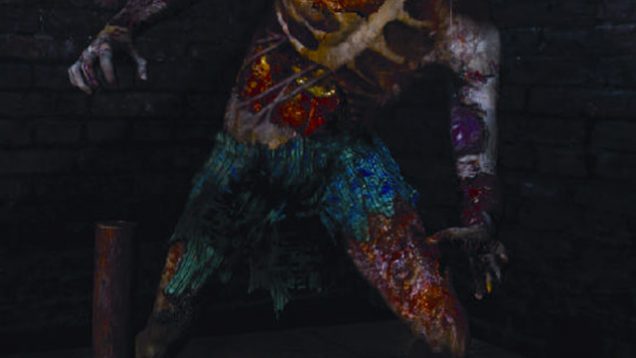
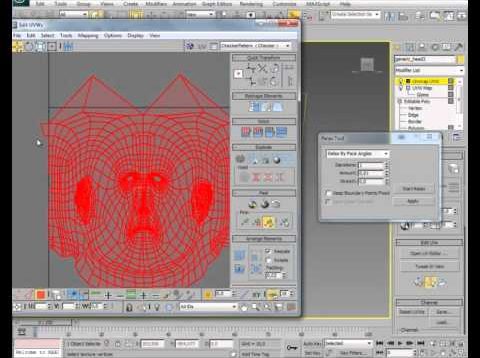
Texturing Let’s pass to the next step (the most important of this project). First I set up the UV’s (only planar, box or cylindrical). This is like a sketch, because after I’ll paint the textures the UV’s will be adjusted in order to give the best result. Here is a screen shot with the UV’s […]
This is the second Rim tutoial I have written, this time I wanted to show another technique to modelling a Car Rim which I use myself on almost all car projects… This is a very common way of modelling a Car Rim so you may have already seen tutorials like this. I have chosen to […]
Advanced tiling: For this tutorial, I will be dealing with tiling textures with a pattern, such as brick. These textures can be especially difficult to tile, depending on the source material. When looking for a source photograph for bricks and textures with an apparent pattern that needs to be preserved, look for/take photographs with as […]
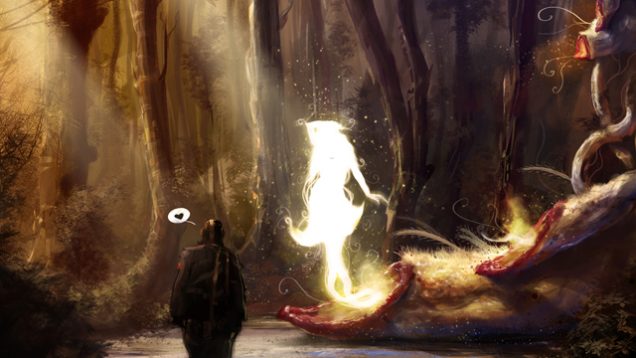
It is always tricky task for me because usually I don’t printscreen or record my process, except situations when client ask for that from start like ImagineFX or CGSociety challenges.
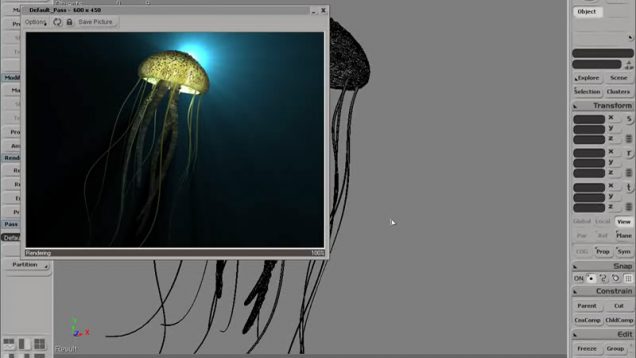
In this video, we will look at how to work with the subsurface scattering shader that comes with SOFTIMAGE|XSI. Learn how to use the render tree to setup and implement this useful and interesting shader to achieve a realistic look for soft translucent materials. We will be working on surfacing a jellyfish! Download video file […]
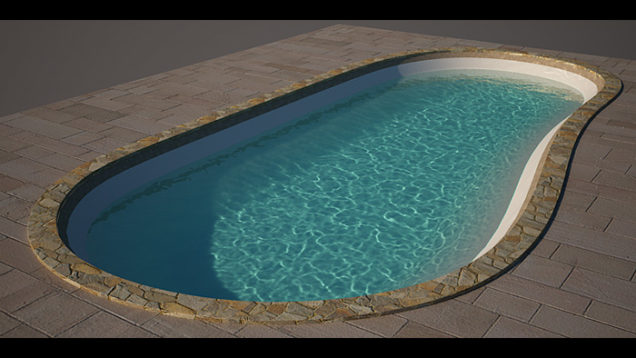
Welcome to my new tutorial. I will show you how to design a swimming pool using splines within 3ds max, but the methods used in this tutorial can be applied to any 3d modeling package that features spline and poly modeling tools. This tutorial is pretty straight forward and is designed for beginners and experienced […]
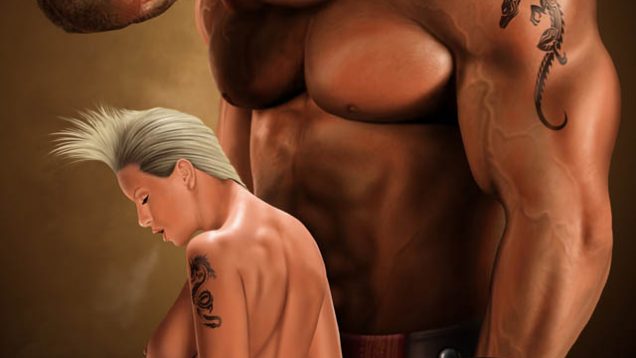
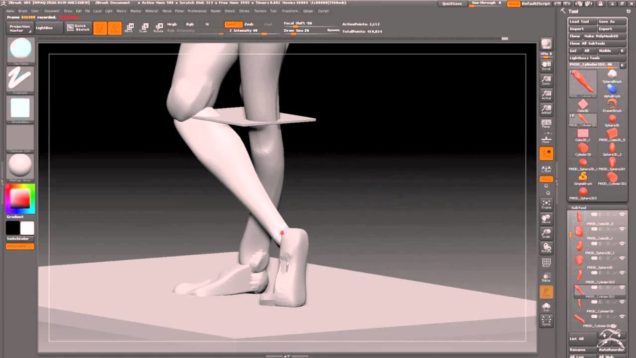
Tutorial based off a sculpt done from a live model over two 3 hour sessions, focusing on capturing gesture, the essence of the pose, and the character of the model.