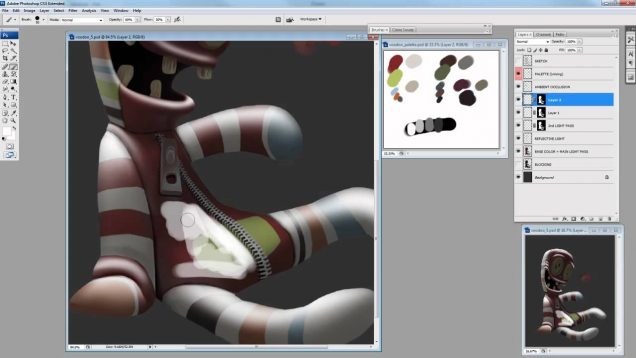
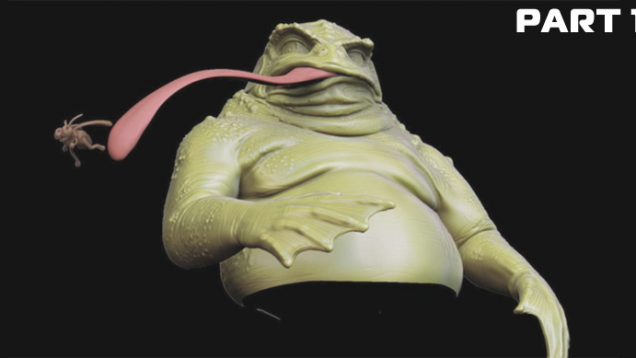
During this part we will explore and discuss reflective light, the 2nd key light and specular light pass and what to consider when rendering different specific materials like plastic, fabric or metal.
This tutorial goes over from start to finish the creation of a rudimentary fence asset that can easily be expanded upon. This is an introductory lecture on procedural modeling in Houdini I gave at Drexel University’s SIGGRAPH chapter as a Junior Animation & FX major.
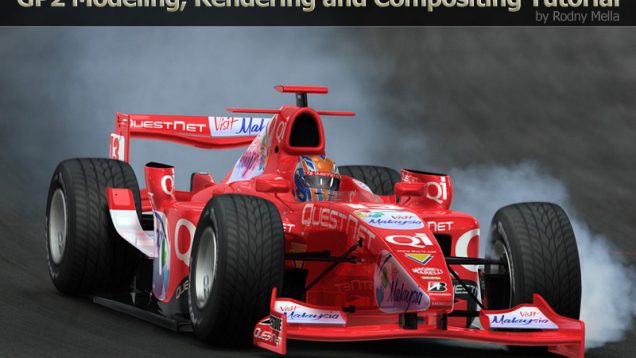
Frame modelisation Patern found on www.f1-live.com Top view Side view/perspective First problem, the partern are not orthographique. So, i have made a cube with FIA data about lenght, etc the car have to respect. FILE EXE After, I have just build a basic spline cage, but I advice to use a polygonal modelisation because i […]
Hello in this tutorial I will show you how to create and texture a golf ball. This is an easy and convinient way to make your own golf ball. I will explane everithing clear enough so everybody coild understand it.I want to say that used 3Dmax 7 to create this tutorial but you could do […]
About tutorial In this tutorial I will try to cover everything you need to know about occlusion pass in 3 simplified parts. The first part is explains what an occlusion pass is and what its good for. The second part is all the technical info on how to make an occlusion pass. the third part […]
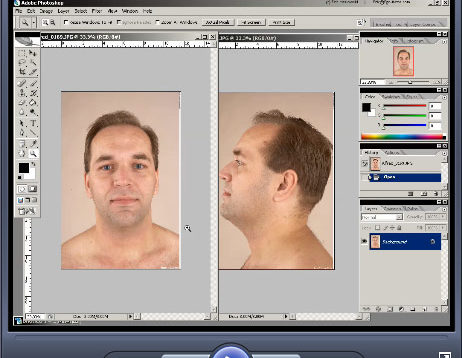
Here we want to collect interesting and useful tutorials on 2D/3D packages. If you have the quality tutorial or you can write a good tutorial exclusively for us under one of the above categories, please contact stryker@3dm3.com This tutorial takes front and side reference images from www.3d.sk and prepares them for use as reference plates […]
About the image There are many rendered portraits in a lot of galleries. I was always impressed by the high quality of the MentalRay FastSkin shader and how easy it was to set it up once you understood the basic concept of how skin works. But as I ‘only’ have Cinema 4D, MentalRay is not […]
In 2006, I was introduced to Mr. Peter Thompson, owner ofMeritus Racing by Paul McAusland of UrbanImaging. He had recommended my 3D visualservice to Mr. Thompson and from then on I was creating the visuals for MeritusRacing sponsorship campaign. The visuals I have created required photorealism anddelicate compositing of rendered image to the photography plate.To […]