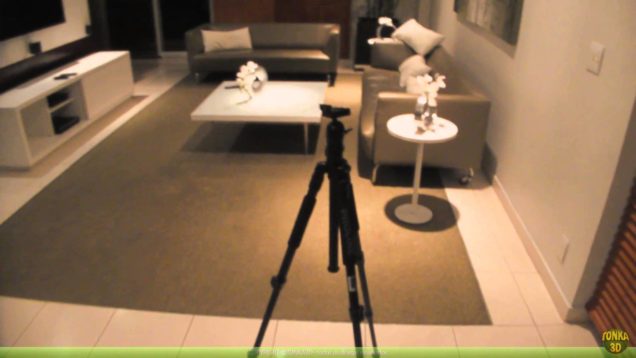
That is a tutorial where Rodrigo Banzato explains how to take panoramic photos HDR 360. This is valuable information for photographers, 3D artists, designers, producers and digital art passionate.
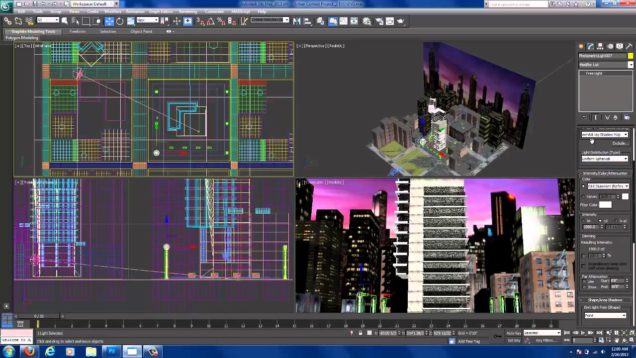
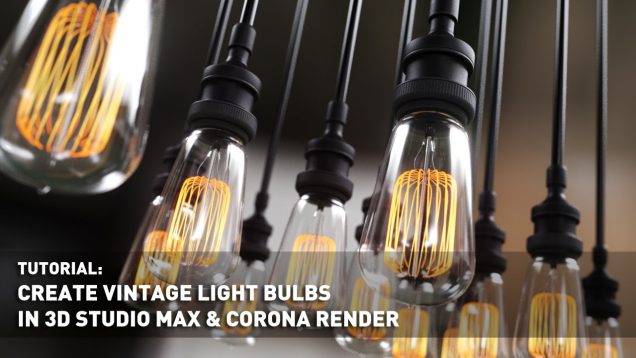
Video speed up 5X – Modeling Light bulb, lighting setup and material creation using Corona Render. Find project file (HDRI file not included. Please use your own) here: http://www.renderspaz.com/create-vintage-light-bulbs-in-3d-studio-max-and-corona-render/
For creation steam it is necessary to make a simple cone.Click on the cone with the right button of the mouse, will choose Properties and in appeared menu, about inscription G-Buffer, put Object Channel: value 1.Appoint to the received object a material with such parameters.I n the main menu, command Rendering, will choose function Video […]
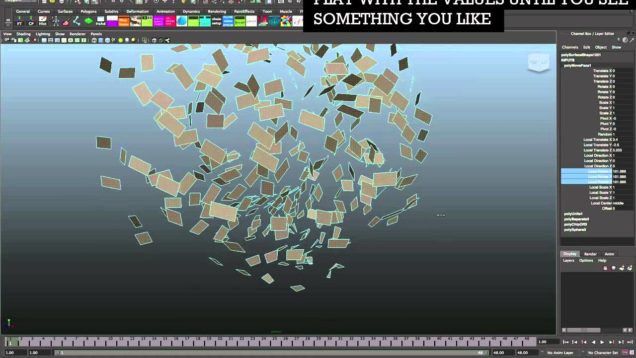
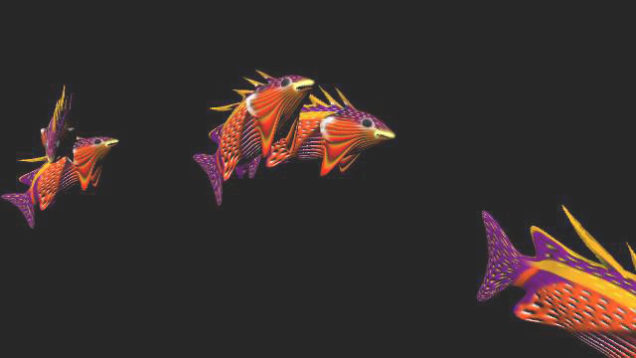
Hello Friends! In this tutorial I will show you how to use (Curve flow) with instancer to create flock of birds, insects, Fishes, sheep’s, cows and etc. Maya has wide range of powerful effects to create unbelievable animations and visual effects, that is why the most film industries are prefer to work with Maya. In […]
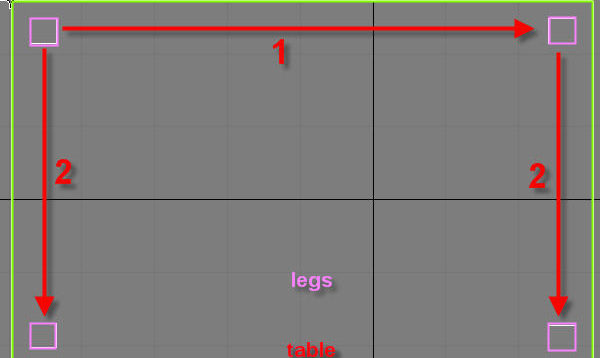
A table is super simple to model, it consists of just one modified box for the top, and four boxes for the legs. Let’s get started. 1) Create a box that is 50 by 80 by 1 units. And make sure it has only 1 length, width, and height segments. Make sure everything is exactly […]
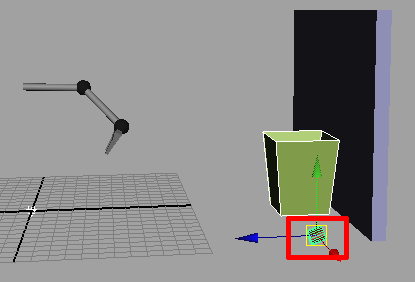
Hello every buddy, in this tutorial I will show you the most important part of (Active Rigid Body) and (Passive Rigid Body) called (Set Active Key) and ?(Set Passive Key) these 2 options some time very necessary to work with, allot of people asked me to help them or to write a tutorial about (Active […]