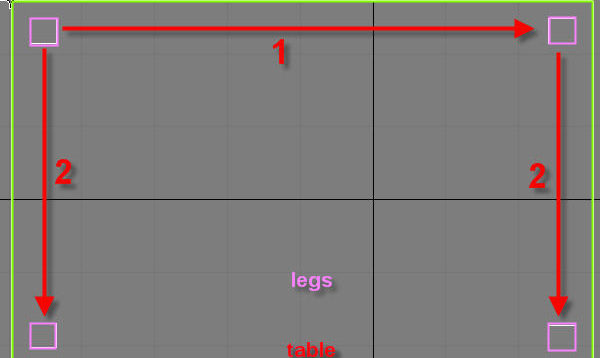
A table is super simple to model, it consists of just one modified box for the top, and four boxes for the legs. Let’s get started. 1) Create a box that is 50 by 80 by 1 units. And make sure it has only 1 length, width, and height segments. Make sure everything is exactly […]
In This “Making OF” article I wil try to explain the techniques that I used to create this image. I will focus mainly upon the creation of the character
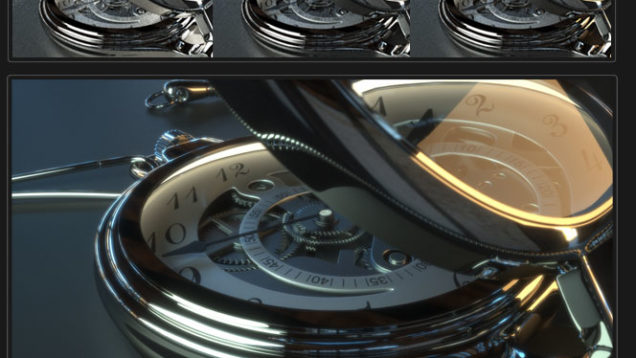
Hi people, in this tutorial I will show you a few tips to create aclock in 3d max and render it with Fryrender. Then I will show you howto apply fry materials and how to make the light setup. Finally, I will show you how to work with the tone mapping and layer blending controls. […]
This video from Andrew Klein (www.andrewklein.net) covers creating the arms and legs of the chair, and using duplicate special to make symmetrical halves.
In the second part of the video we are going to see how to model the sheet, the pillow and blanket inside Marvelous Designer and then send it all back to 3ds max.
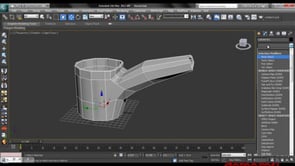
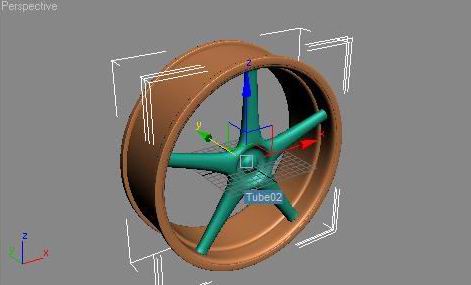
Make a cylinder with the settings of picture 1 and picture 2 Then convert to an editable mesh by right clicking Select the outside polygons (squares) but missing one each time you should have 5 squares selected rotate with the tool at the bottom (see pic) Then scroll down the editable mesh menu and tyoe […]
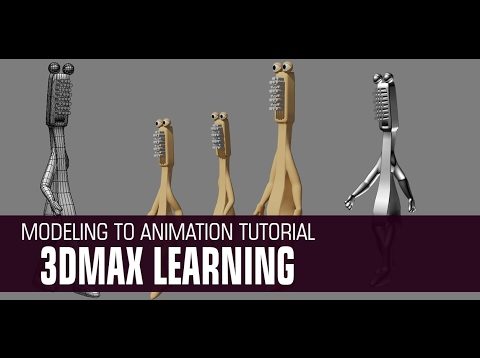
In this video we’ll be using Autodesk 3d max to create a Cartoon Character modeling to animation with rigging process. I hope you enjoy the video and find some useful tips and tricks you can apply to your own projects! You can help me out by subscribing to my channel and liking the video! And […]