
Tutorials777 Videos


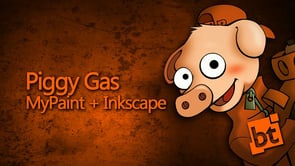
Piggy Gas Timelapse
I created it with MyPaint for the base sketch, and used Inkscape to the rest of the work
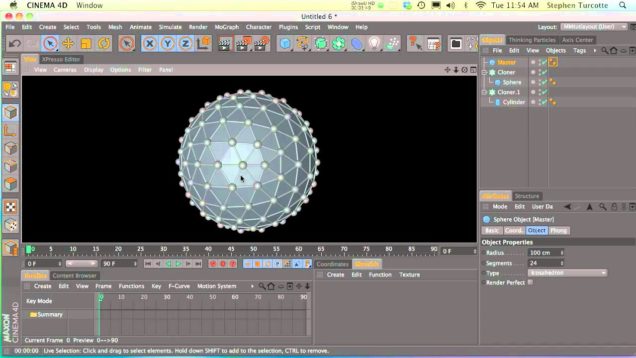
Tutorial “Creating Growing Atom with MoGraph”
In this tutorial we learn how to create a growing atom effect using MoGraph and the Plain Effector.
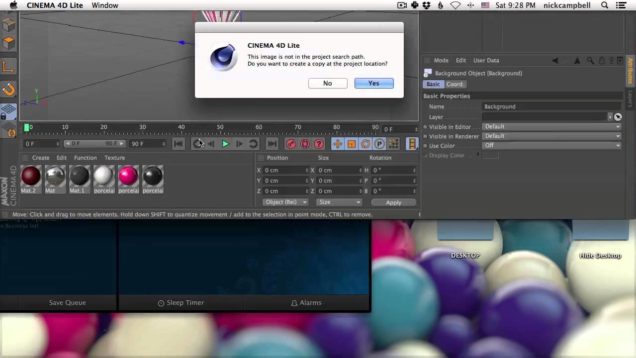
Importing 3D Models into After Effects using Cineware
In this quick video, we will go though how to import simple 3D objects into After Effects using Cineware and Cinema 4D Lite. We will add 3D objects into our image and do a quick composite in After Effects.
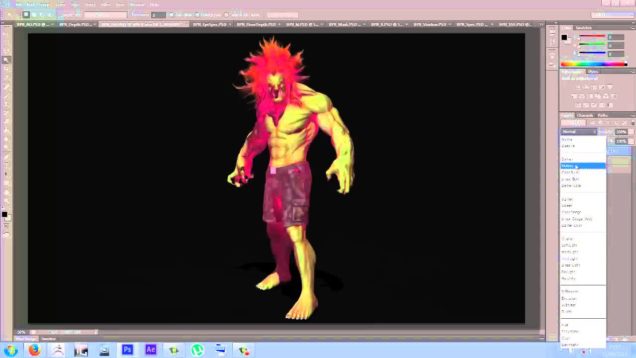
ZBrush Render Pass Tutorial
In this video I will be going over how I use ZBrush to create render pass’s and how to composite them together in Photoshop.
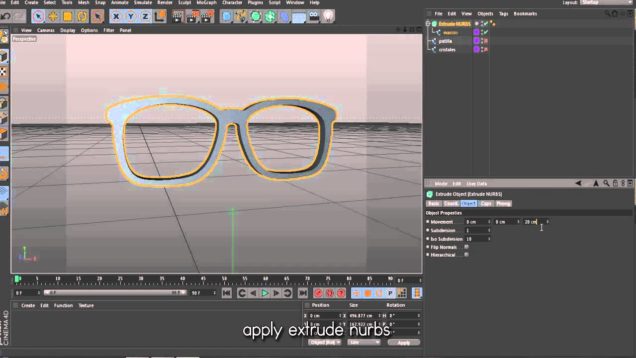
Tutorial “Creating Geek Glasses in Cinema 4D”
In this first part you can see how I made the model of the glasses, and in the second part I will finish.
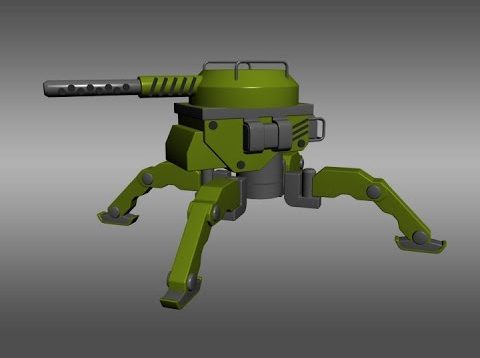
3D Design – Designing with Shapes and Colors – Part 1
If you find my videos and giveaways helpful please consider supporting me at http://www.patreon.com/Arrimus3D. If you need a question answered send me an email at 3dtut@outlook.com. Also, giving me a thumbs up and subscribing shows you find my videos helpful. Thanks.
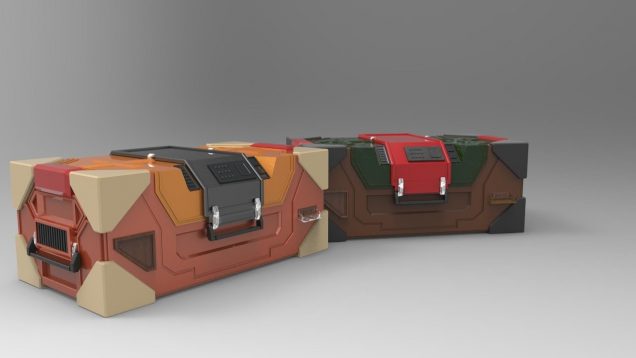
Zbrush sci fi Props, hard surface box 3d
Modeling of sci-fi hard surface box 3d in Zbrush
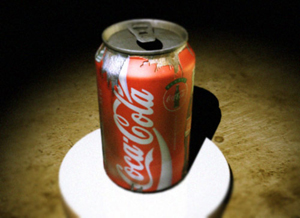
Coke can
A key to realistic 3D animation is in the texture maps. While pristine textures often look nice, aging materials effectively can sometimes be out of reach to many animators. In this entry level tutorial Dave Wilson demonstrates one way to make a can look like it has been kicked around and left for dead by […]
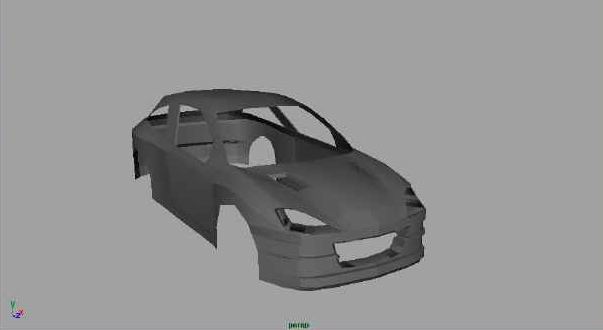
Ford Focus Tutorial Series by Alex: Part 3
Hi everyone. Well without further blabber let’s get started. 1. Create a polygon cube and set the subdivisions along height to 15 and along width to 5. Then scale it so it fits exactly one half of the car. 2. Delete the side faces so that when we mirror and convert to Sub-D later we […]
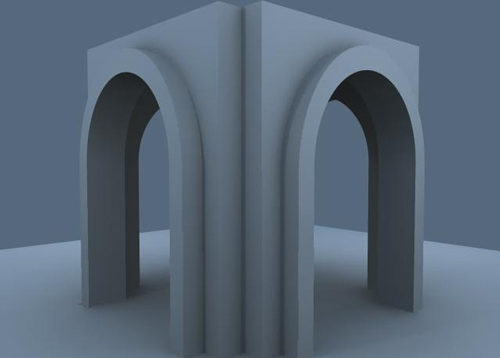
Building a Polygon Arch
This tutorial will show the method I used for making my arches in a building. There is obviously more than one way to do it. This is not the standard method to make an arch, it is just my way of making them. Let us begin…. 1. Whenever I start up a new project, I […]
How to make a realistic drywall material
QuickMax is a new series of simple 3dsmax tutorials that I created, which will feature all aspects of the program itself, including modeling, texturing, lighting, and animation. Welcome to section one, this will feature the 3dsmax Material Library. Section 1: Materials Standard Materials 2: How to make a realistic drywall material (To complete this tutorial, […]
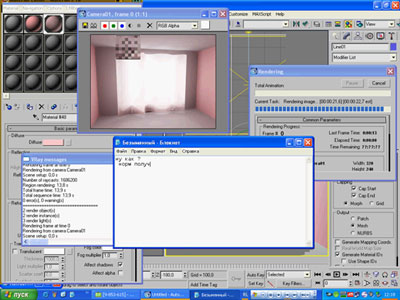
Setting of illuminationin VRay 1.50
Format: *.aviTime: 0:11:05Quality: GoodSize: 3 MB Download video file Talk about this tutorial at the Forum >> 3DM3.comCopyright © FILEdit by StrykerSource: http://www.3dmir.ru
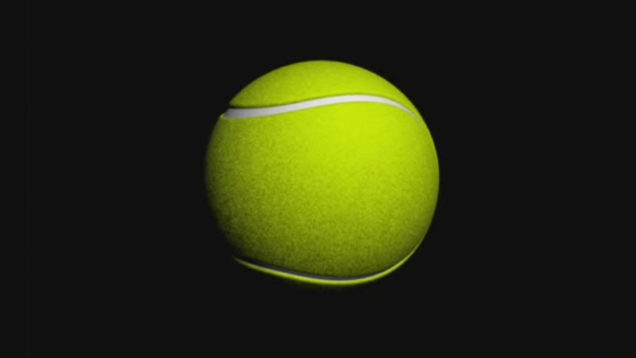
VIDEO: Modeling of Tennis Ball in 3DS MAX
Simple Modeling of Tennis Ball by Khuram Shahzad. Download video file Talk about this tutorial at the Forum >> 3DM3.comCopyright © Khuram ShahzadEdit by StrykerSource: http://www.3dm3.com
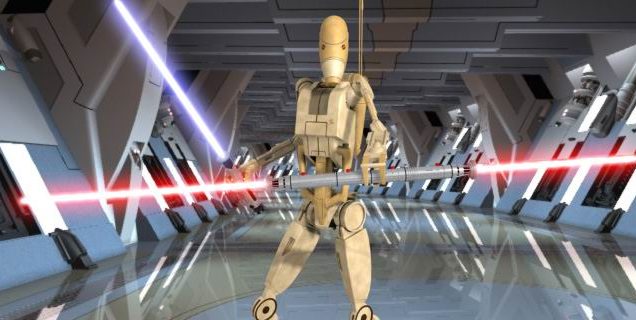
Lightsabers by Mike Hobson
Battle Droid by Fabio Pessaro, DCS Hallway by Ross Chriss, Lightsabers by Michael Hobson LightWave Lightsabers with a little help from Adobe After Effects! I get this one all the time, and it’s been something I’ve worked on for over a year with little success until now. The important thing to note is this: As of this […]

Cyborg Arm in After Effects Tutorial
In this tutorial you learn how to use After Effects to turn you arm into a cyborg arm. We use MochaAE (which is included in After Effects) to track the motion and perspective distortion of the arm and then do the compositing in After Effects.
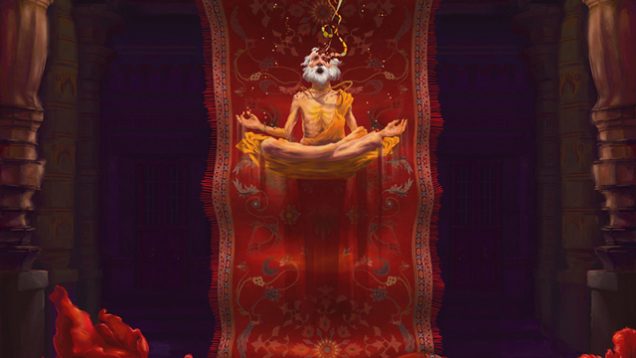
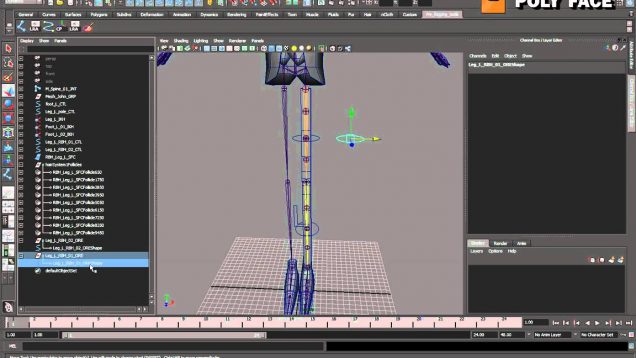
3D Character Rigging – The Leg: Robberhuse(Part 6-6)
In these tutorials we look at how to rig a character from scratch, and we do it proper.

Making of Mushroom Factory
This tutorial is for people who know the basics of Photoshop.

Making of “Predator’s Gold”
This painting was made for the cover of the young adult novel ‘Predator’s Gold.
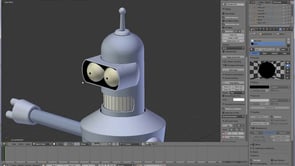
Rigging cartoon eyes in blender
Today we take a look at rigging eyes in blender, focusing on a cartoon style.