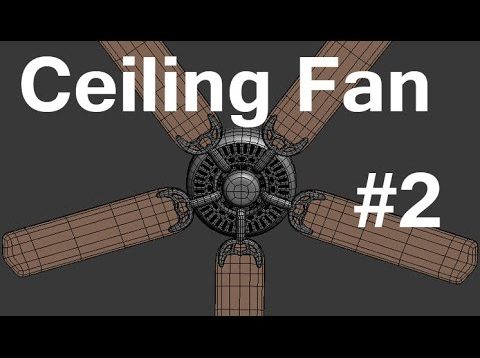
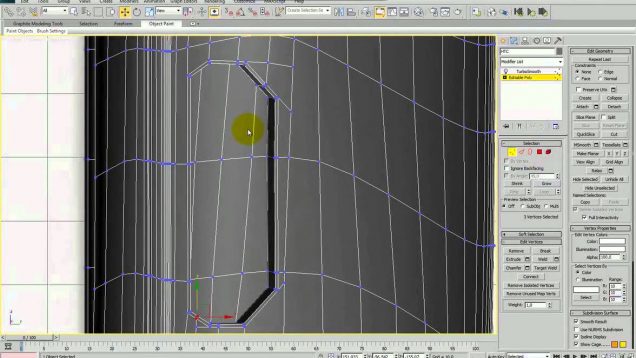
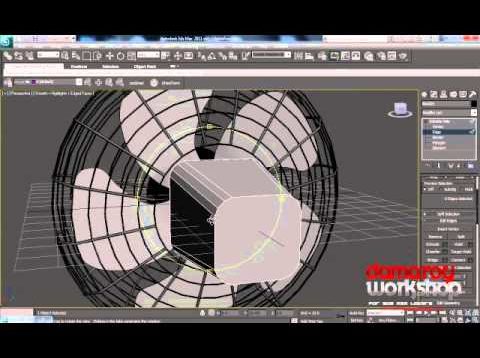
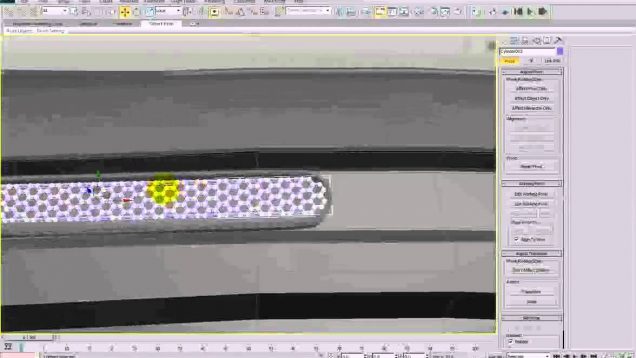
In this video I’ll show you how to use 3D Studio Max to model the second of several ceiling fans. Reference: http://ecx.images-amazon.com/images/I/61SzLvUIYdL._SL1500_.jpg Please remember to leave your comments and if you really need something answered send me an email at 3dtut@outlook.com. Also, giving me a thumbs up and subscribing shows you find my videos helpful. […]
The snatch of this car was and binding by chains, but Z4 can breaking this chain, so Z4 unleashed. Hello, my name is Mohamed Abuyhia from Alexandria Egypt. It is the first time for me in the cars modeling I was thought that it is complicated but after this try I found that it is […]
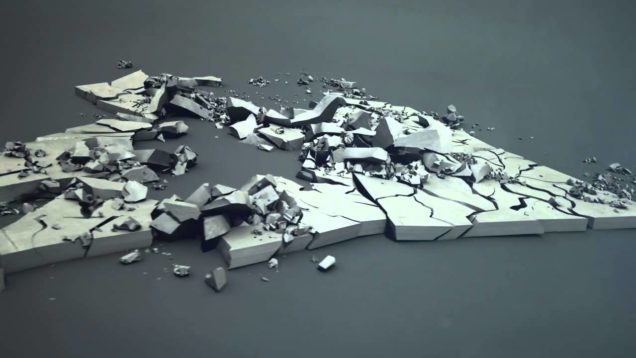
The main idea of the project was to develop an antithesis of other benchmark productions which are mostly boring and aesthetically weak. Michał Staniszewski from the demoscene Plastic group came to us with a draft of an interesting, action-filled story with a unique design and aesthetics that would be as close as possible to an […]
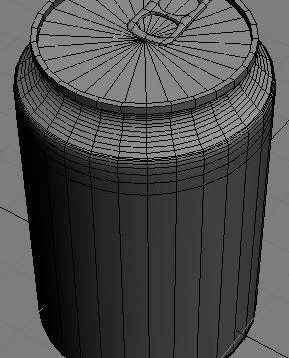
1) Open up 3ds Max. Go to the Create tab, click on Shapes, and then select Line. This will allow us to draw an outline of the soda can. 2) Go into the Front viewport and draw the outline like you see below. Make sure you don’t connect the first and last vertex. 3) When […]
This tutorial will describe how I modelled my foot model from a sketch . The method I used is polygonal modelling. Here, as you see I have a foot sketch which I found from net and I draw one myself too. I’ll start the modeling process using the hand sketch as a blueprint, you should […]
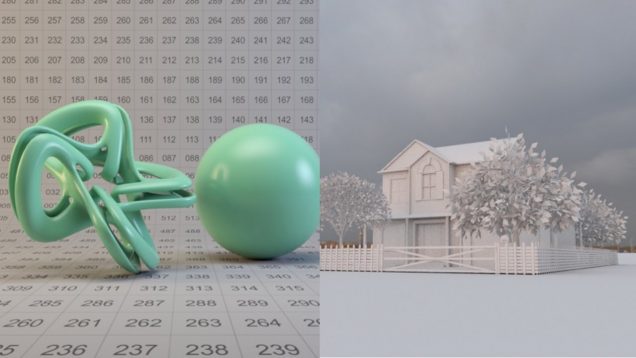
QuickMax is a new series of simple 3dsmax tutorials that I created, which will feature all aspects of the program itself, including modeling, texturing, lighting, and animation. Welcome to section one, this will feature the 3dsmax Material Library. Section 1: Materials Standard Materials 2: How to make a realistic drywall material (To complete this tutorial, […]
Introduction Hi everybody. In this tutorial we will see how can we design a shiny logo in 3ds Max. I used 3ds Max and VRay for this project. Step 1 First open an empty project in Max. Under shapes click text button and create a text like the image below. Step 2 In the modifier […]